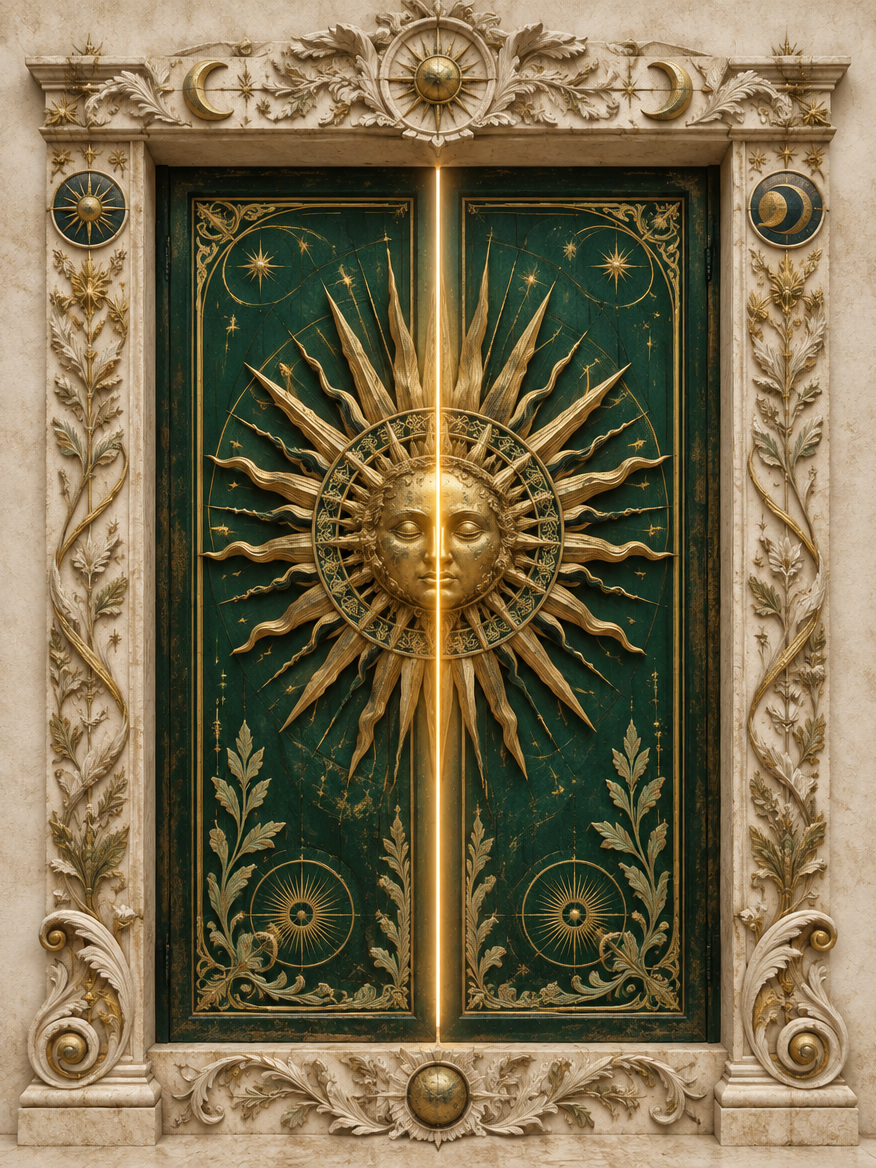
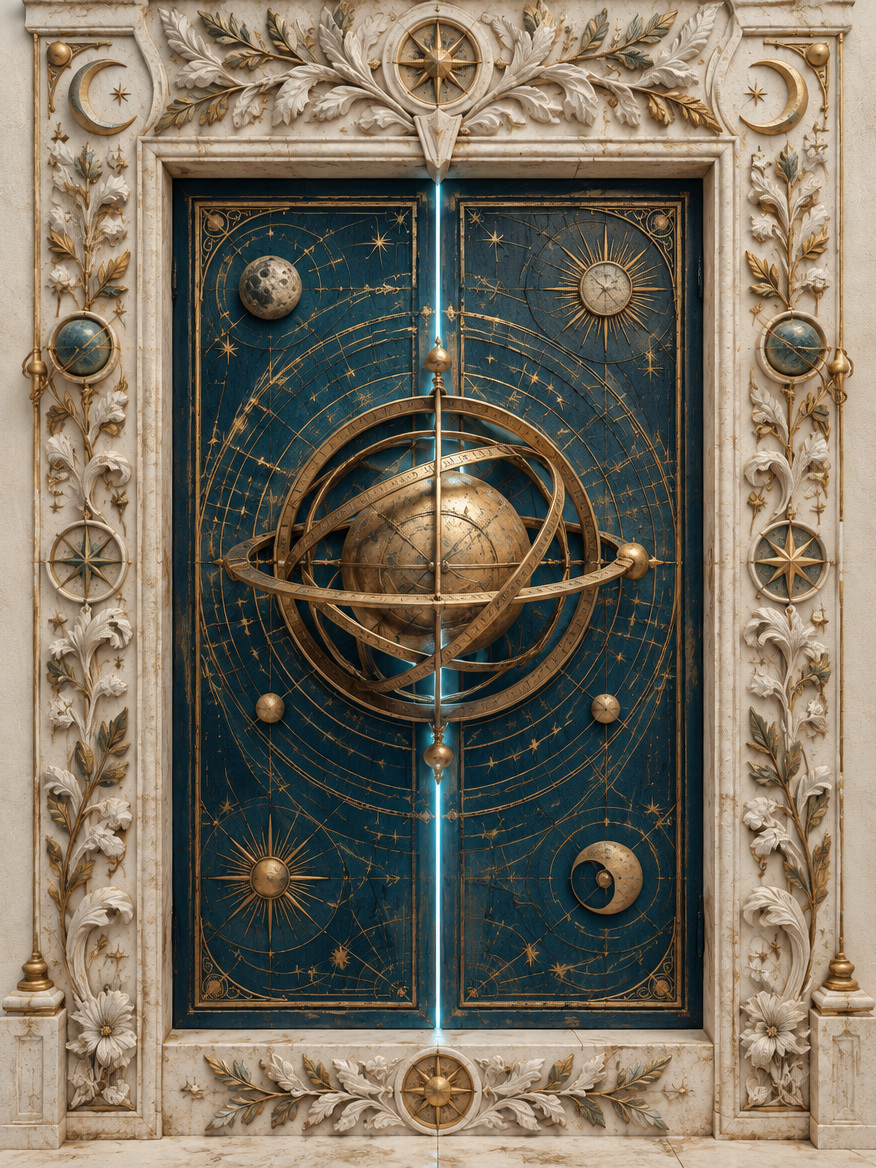
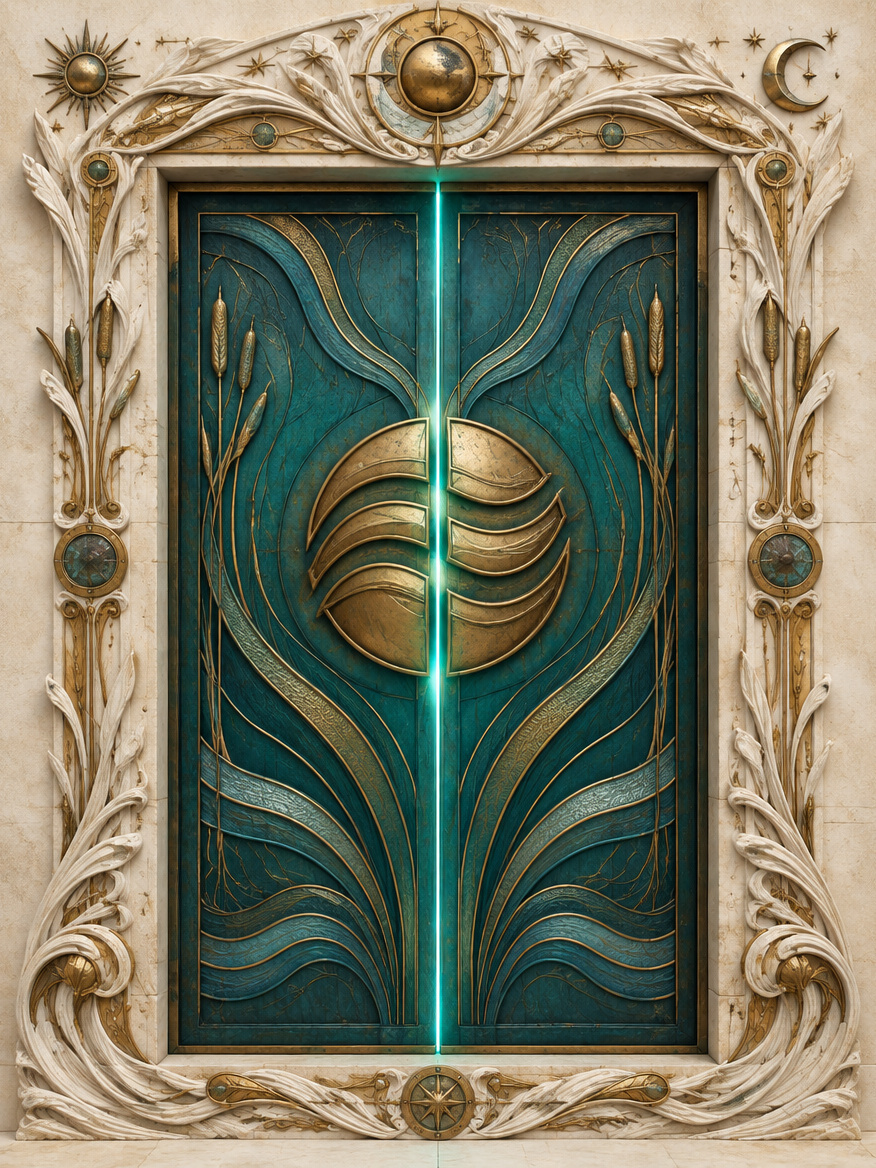
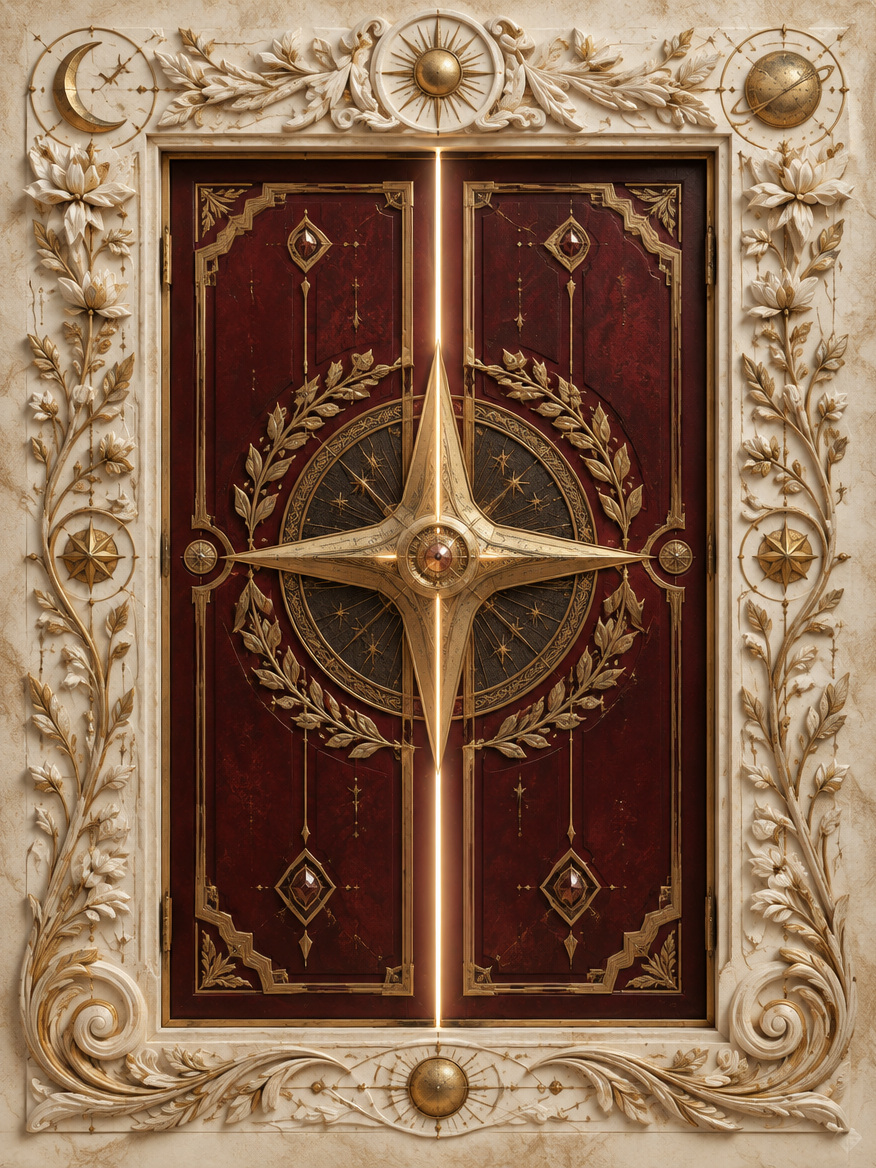
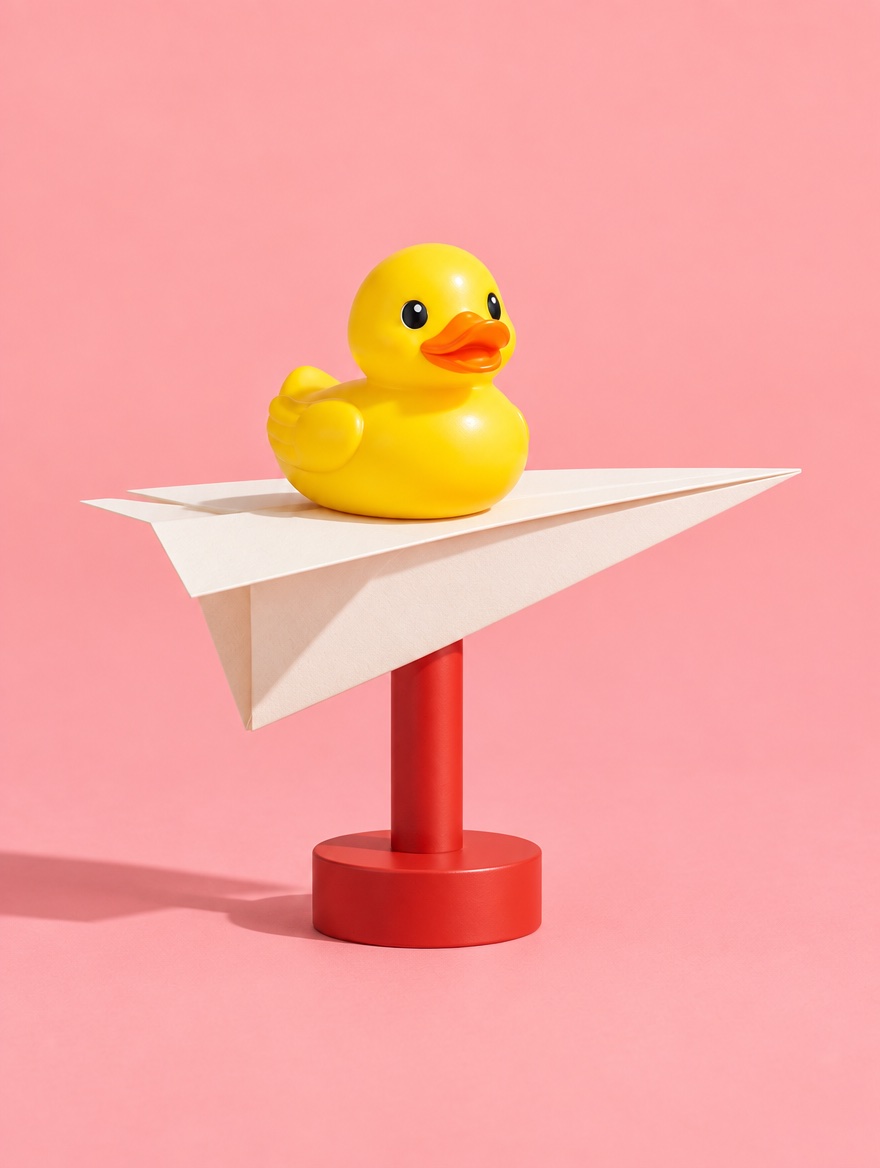
TRAVEL & EXPERIENCES
An invitation to go.
Bring a destination to life, then lead into booking.
PRINT THAT MOVES. STORIES THAT STAY.
THE PRINTED PAGE HAS A NEW TRICK.
We turn your print into an AR experience—with a clear next step to book, shop or get in touch.
Custom creative service · Browser-based AR · Your brand in front
Artful. Unexpected.
THIS IS WHAT WE DO
01 / 04
Your print is the invitation.
Your scroll directs the film
Make it yours ↗AR concept film · Opens in the browser · Camera permission required
SELECTED PROJECTS / OUT IN THE WORLD
A newspaper becomes an invitation.
A wall becomes a world. Take a closer look.
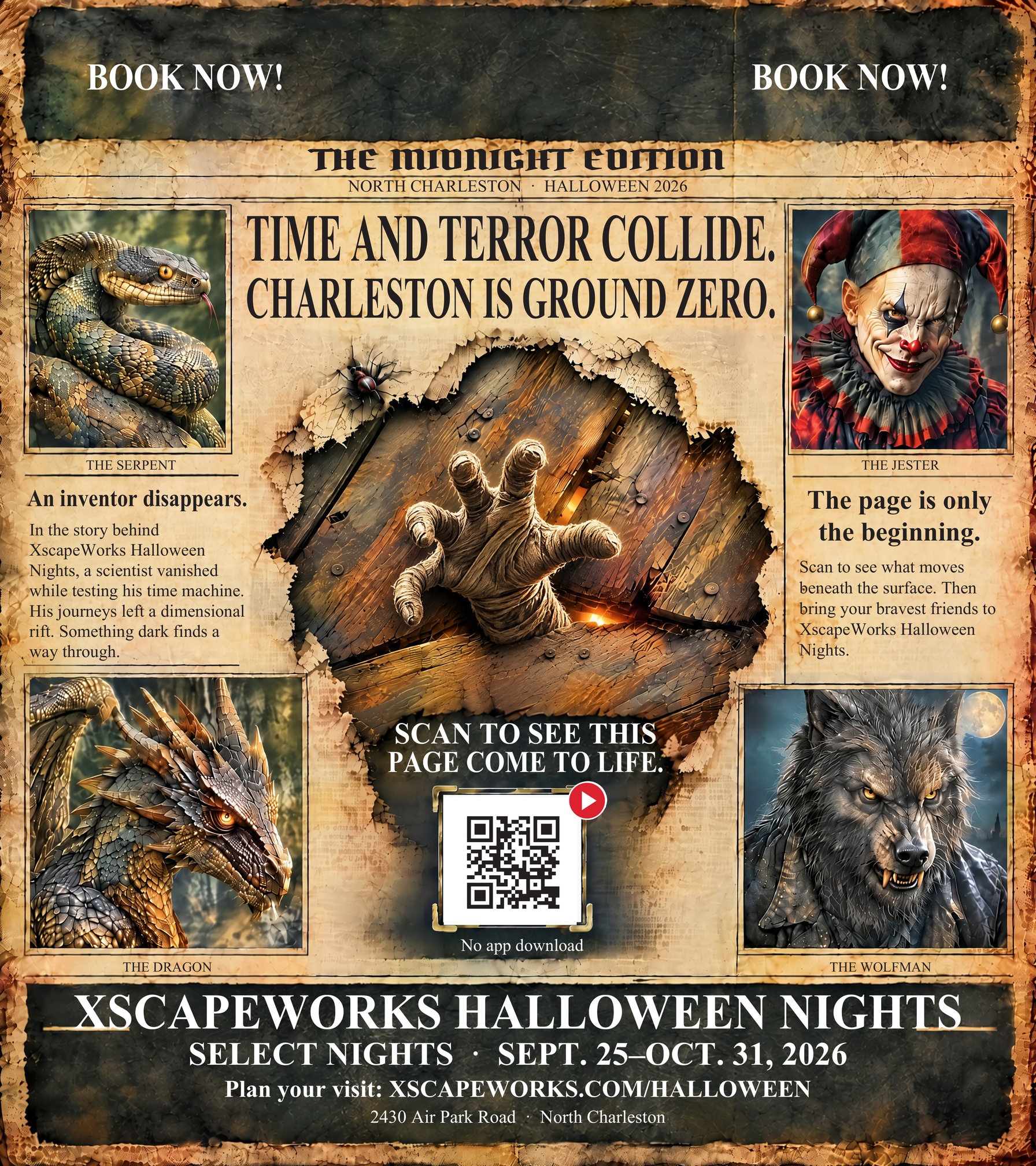
XSCAPEWORKS / THE INTERACTIVE EDITION
Four portraits become windows. A mummy breaks through the floor. A printed invitation becomes an experience worth exploring.
Explore both editionsInteractive worlds · Real 3D · A direct path to booking
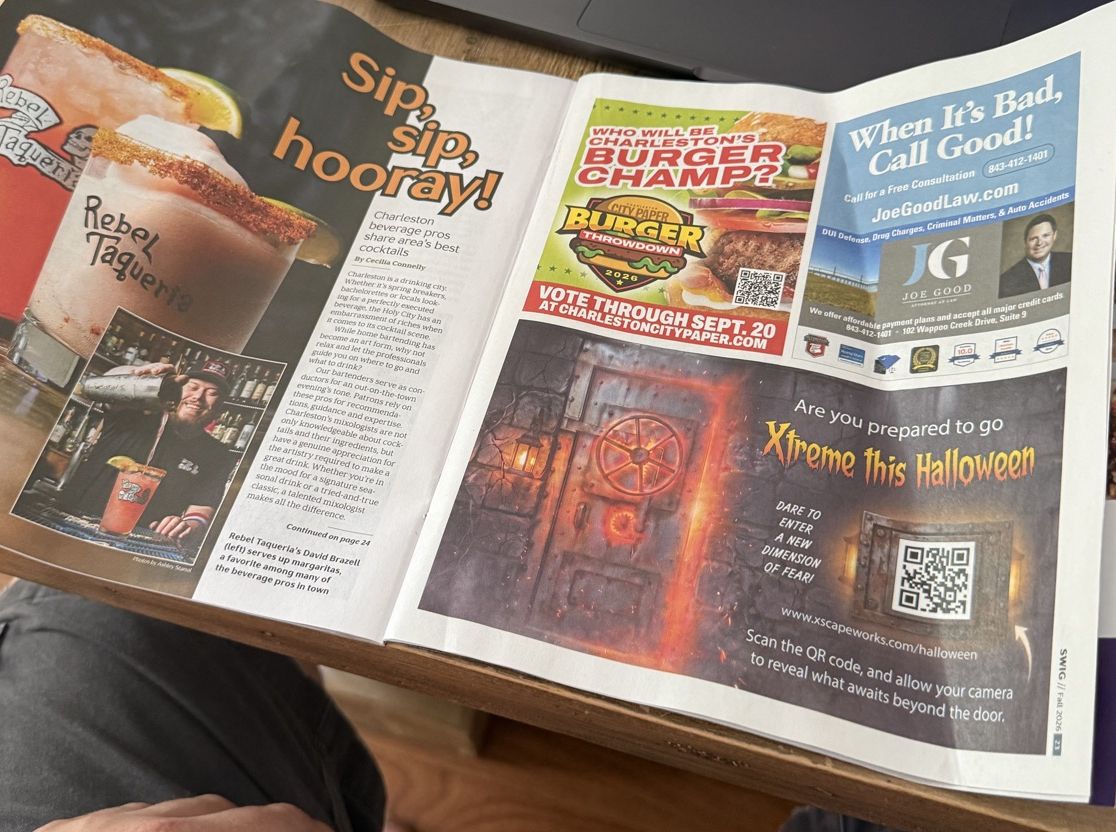
XscapeWorks in the Charleston City Paper. The printed ad is only the beginning.
Explore the projectFour doors to discover. Print the collection, explore the puzzles and find what waits inside.
Explore the projectTHE STUDIO / MOTION STUDIES
Your brand sets the tone. We bring the motion.
TRAVEL & EXPERIENCES
Bring a destination to life, then lead into booking.

PACKAGING & OFFERS
Reveal the story, then open your campaign offer.
CAMPAIGNS WITH CHARACTER
One unexpected moment gives people a reason to look again.
Creative studies showing possible visual directions. These images are not live AR targets.
IN THE REAL WORLD
A real Charleston City Paper campaign. Watch the printed XscapeWorks ad come alive on a phone.
XscapeWorks campaign demo
DONE WITH YOU. BUILT BY FLITSI.
For campaigns, packaging, exhibitions and venues.
Your audience, your print, one clear action.
Animation, AR, scan design and your destination.
Phone testing, hosting and agreed reporting.
LET’S MAKE YOUR PRINT WORK HARDER.
We’ll help shape the experience and scope the work.
Email hello@flitsi.com ↗Custom projects. Scope and price agreed before production.
An idea or an existing printed design. We review it, recommend a visual direction and agree on scope, price and hosting.
No download. They scan a QR, allow camera access and point back at the print. We test the experience on supported phones and browsers before launch.
Yes, the experience can link to your existing site, booking page, offer, phone number or scheduler. Custom integrations are scoped separately.